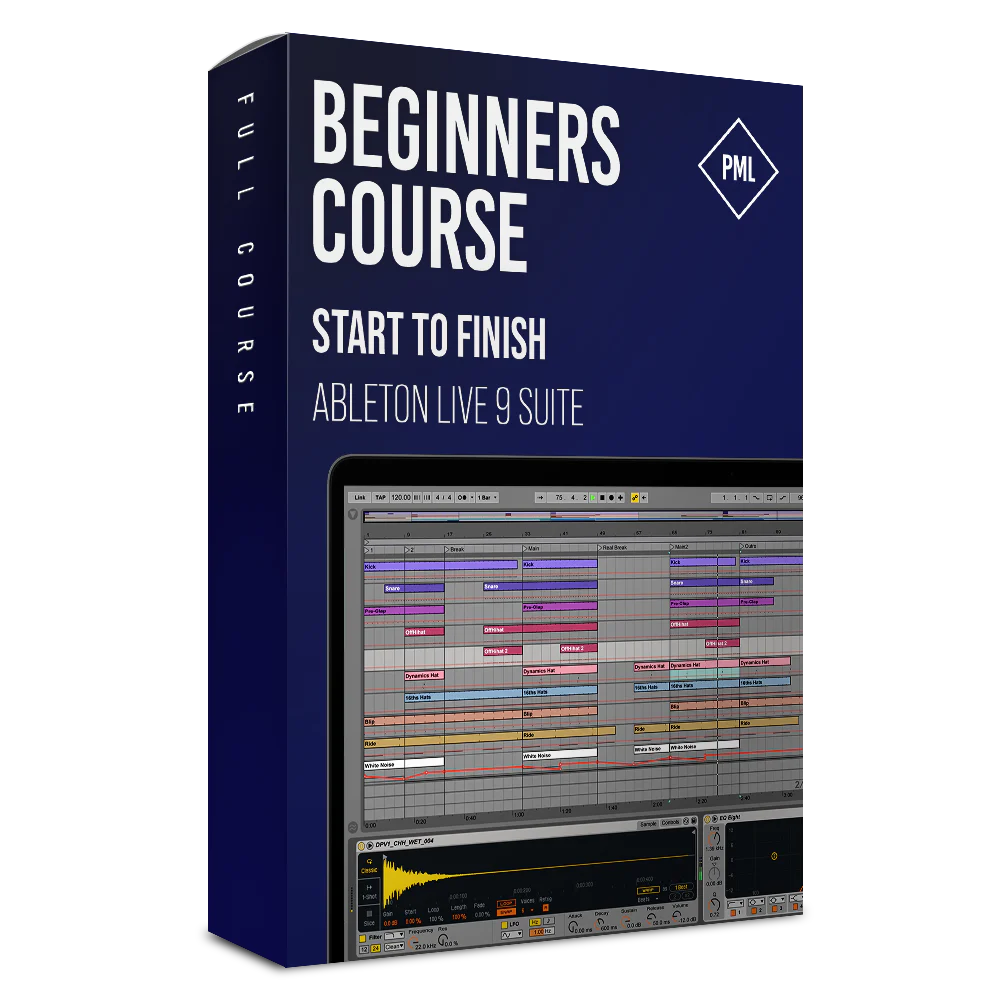
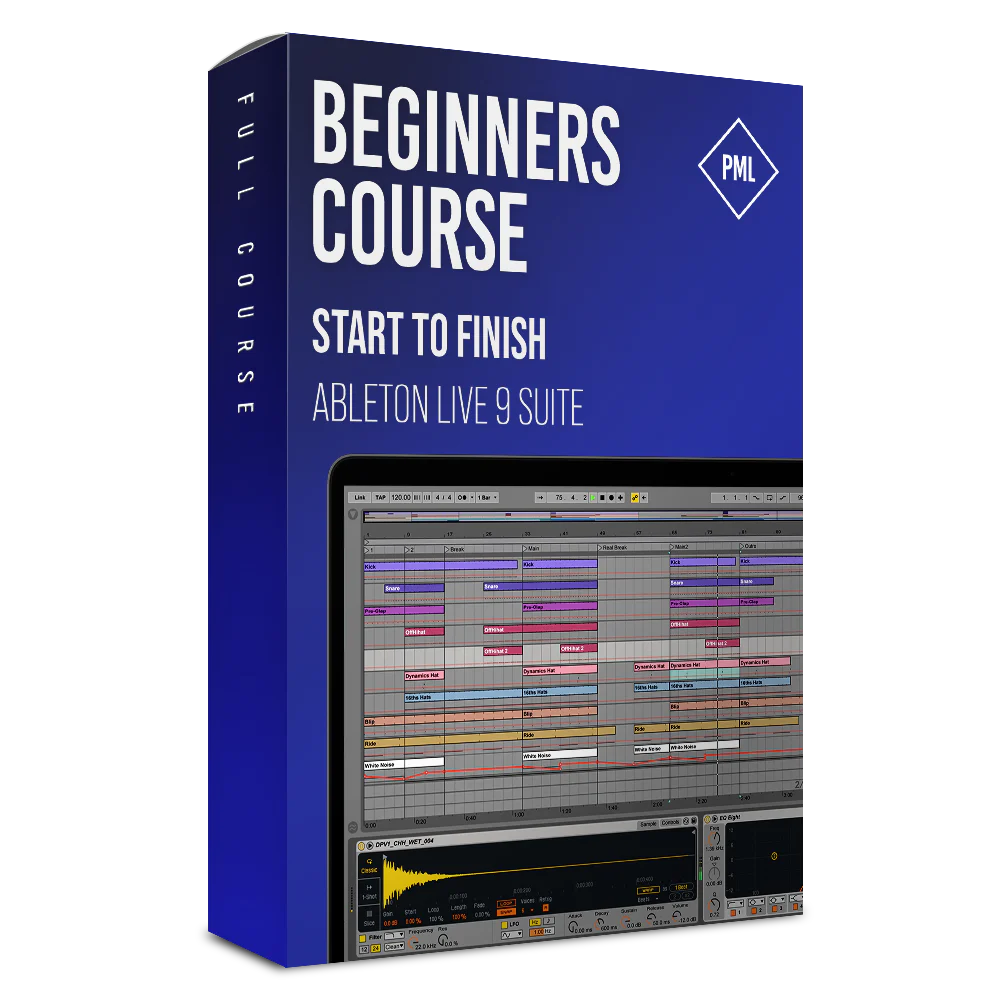
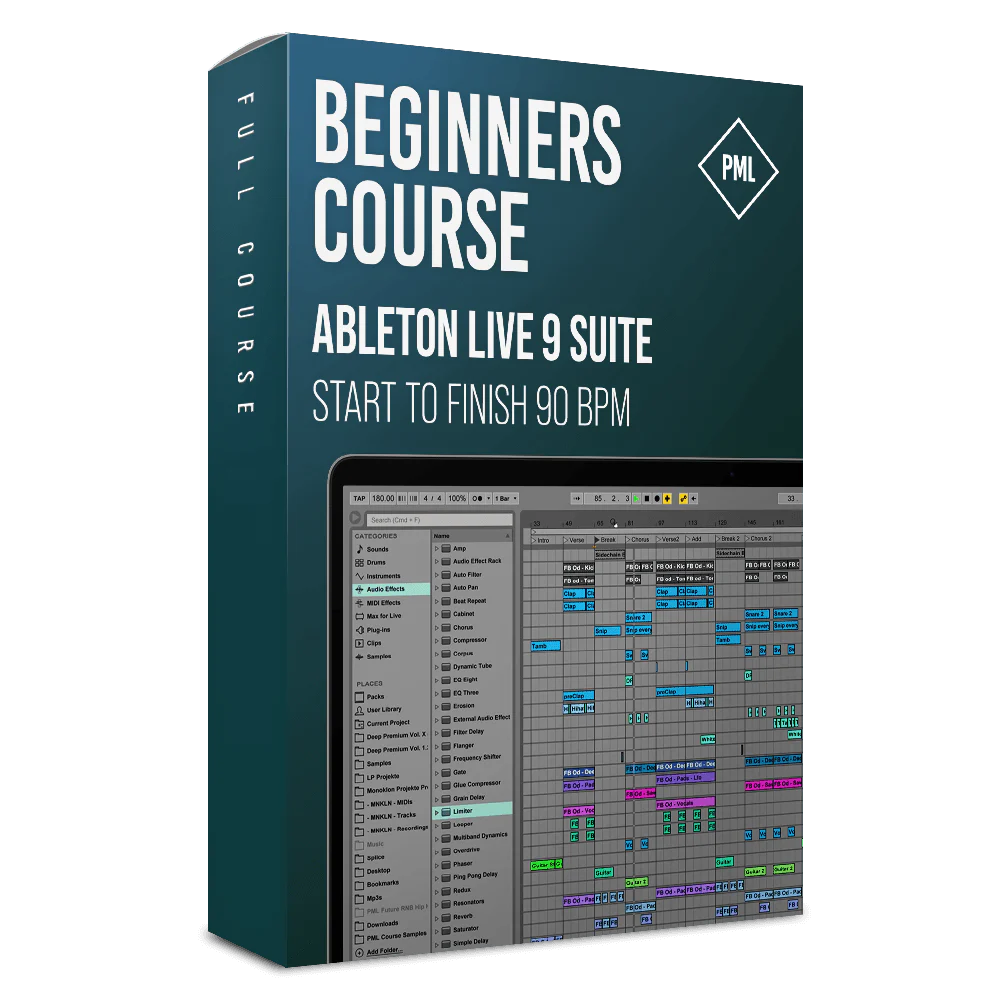
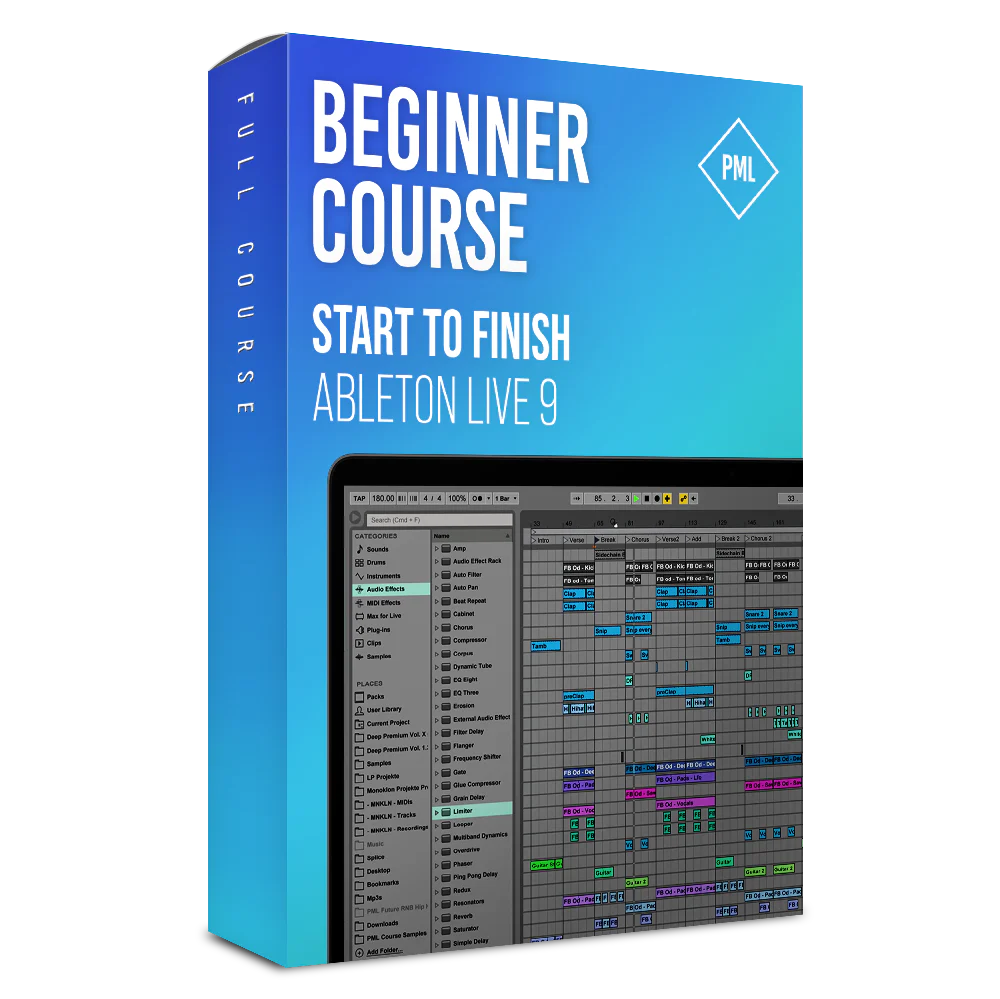
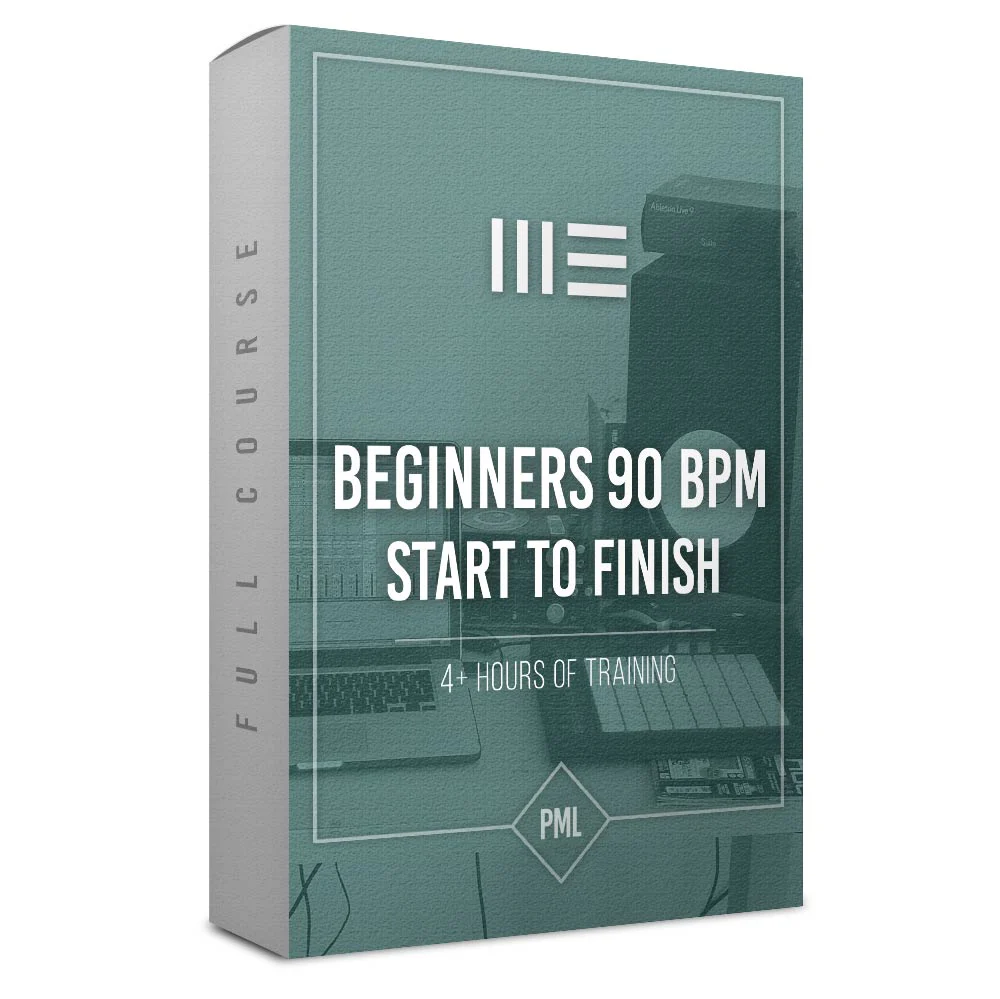
Classics: Course - Producing A Modern Track from Start To Finish (Beginners 90 BPM)
Watch Promo:
What you'll learn in this course:

Learn how to produce a professional sounding track from scratch without getting stuck along the way
- This course is for beginners.
- We are using Ableton - only!
- This course focusses on production. Our other course is focussing on chord progressions and harmony.
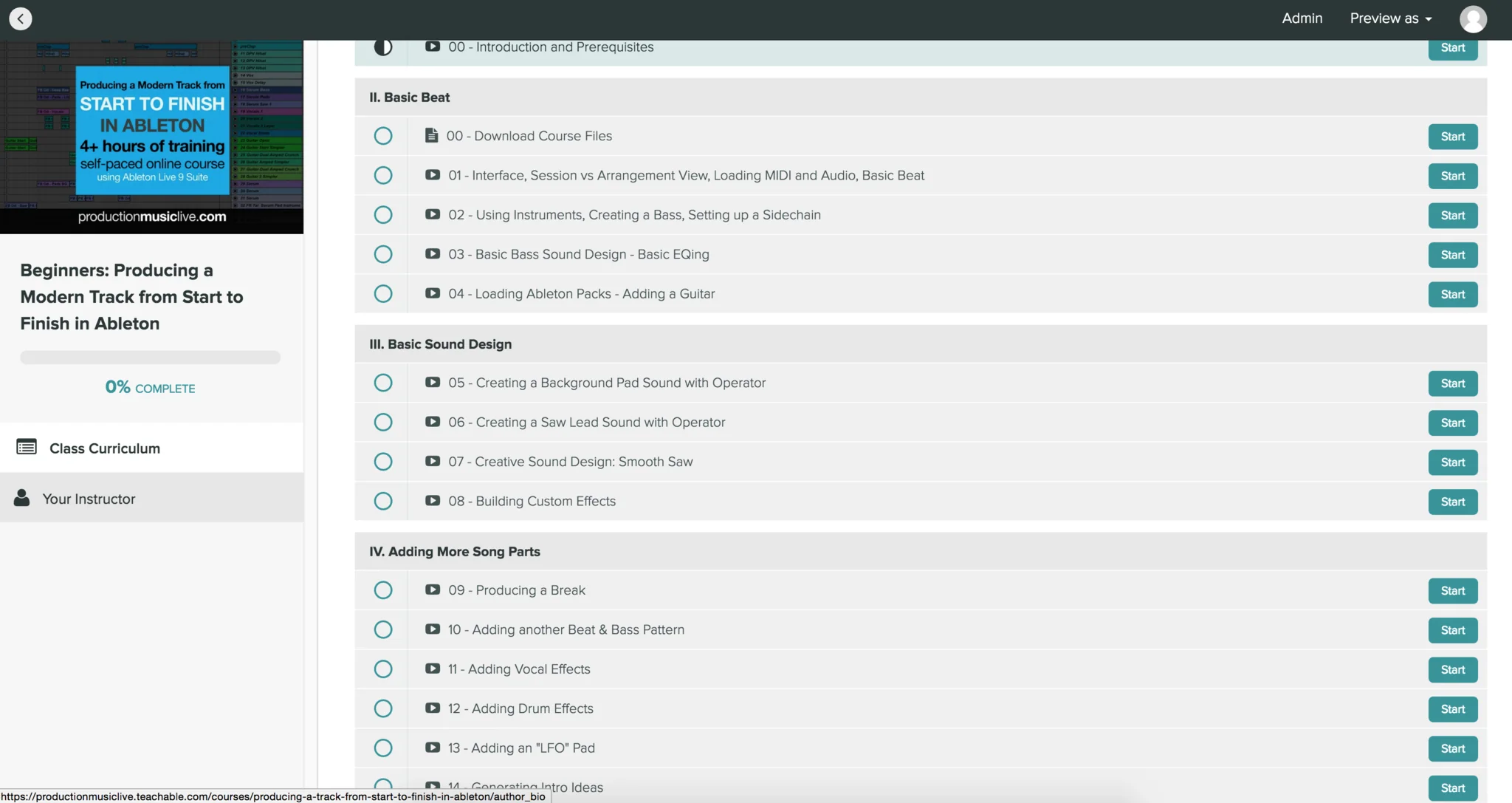
Over 21 sessions and around 4 hours of content!
- Produce and complete a professional sounding track using Ableton Live
- Create unique sound designs using Ableton instruments
- Use samples to edit, arrange, and create unique tracks and beats of your own.
- How to achieve great soundscapes using audio effects
- Hands on course showing you a producers workflow. Focus on sound design and technique
- Kickstart your productions with our material - full template session and samples included in this course!
What are the requirements?
- We’re using Ableton Live 9 Suite only. If you don’t have a copy of Ableton Live 9 Suite, a great way to start would be using the trial version (free for 30 days). We won't be using any third party plugins in this course
- If you've opened a DAW like Ableton, Logic or FL Studio before and know that hitting the space bar will start and stop the playback, that would be great.
- Having spent a couple of minutes in Ableton to check out the basic interface
- You want to know how to produce a professionally sounding track from the start to the fully mixed and mastered product.
Is it for you?
- You want to see the complete production process step by step
- You want a comprehensive understanding of Ableton Live
- You are interested in producing tracks, beats, sound designs, or any other music on your own in a professional way
- You're looking to understand the deeper levels of Ableton Live
- You like to see how to start from scratch going all the way to the finished, mixed & mastered product.
Producing a modern and fresh sounding track from start to finish
Class Curriculum / Contents:
Course Topics:
- Creating beats
- Basics of Ableton
- How to make a song out of a loop
- Creating fresh sound designs
- Reversing Clips
- Meter Changes
- Using compressors
- Creating custom effects
- Working with vocal samples
- How to EQ
- Recording automations
- Automating instruments, synths
- Using synths
- Working with one-shots
- Using MIDI for beat production
- Creating pad sounds
- Working with automations
- Adding harmony
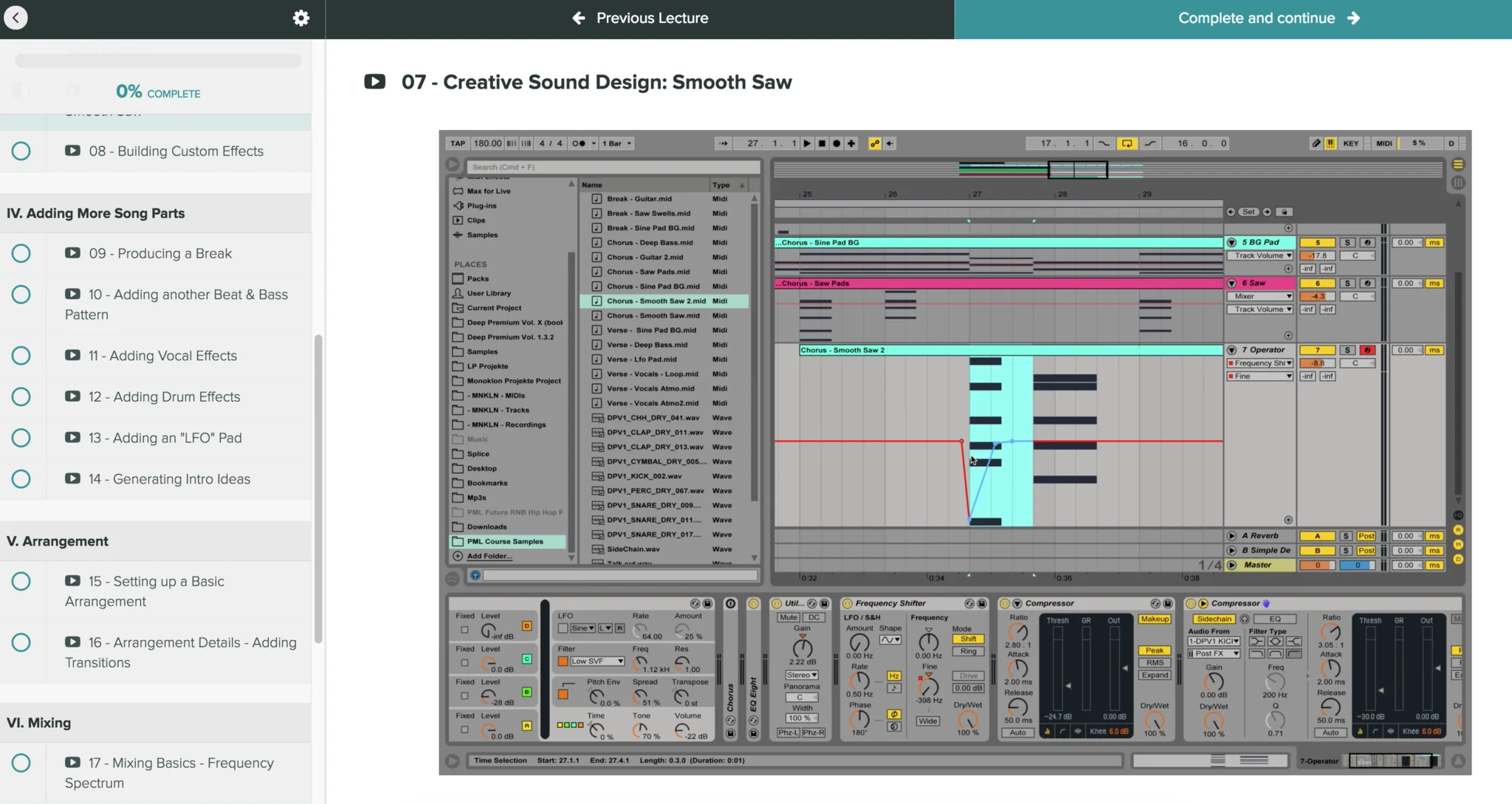
- Designing fat saw pads
- Consolidating
- Recording/Writing Drum grooves
- Layering Synths
- Audio effects
- Automating effects
- Basics of Arrangement
- Side-Chaining
- Vocal Chops
- Send / return effects
- Looping
- Spread sound with chorus effects
- Locators
- Using Ableton pack sounds
- Effecting Guitars
- Creating pitch / tape Stop effects
- Basics of Mixing
- Basics of Mastering
- Setting up a complete Mastering chain
- Applying numerous mixing techniques
- Layering sounds like audio engineers
- EQ: adding space with mid / side eq
- EQ: how to identify and cut resonances
- Use Ableton built-in effects for mastering
- and many more
.
What you're getting:
20+ Studio sessions with Francois / Production Music Live
4h+ online video sessions with lifetime-access
MIDIs and Drum Samples
Bonus: Course Ableton Project File (using Ableton Live 9 SUITE)
Product Information
Product Information
Shipping & Returns
Shipping & Returns
Classics: Course - Producing A Modern Track from Start To Finish (Beginners 90 BPM)
Classics: Course - Producing A Modern Track from Start To Finish (Beginners 90 BPM)
Watch Promo:
What you'll learn in this course:
Learn how to produce a professional sounding track from scratch without getting stuck along the way
- This course is for beginners.
- We are using Ableton - only!
- This course focusses on production. Our other course is focussing on chord progressions and harmony.
Over 21 sessions and around 4 hours of content!
- Produce and complete a professional sounding track using Ableton Live
- Create unique sound designs using Ableton instruments
- Use samples to edit, arrange, and create unique tracks and beats of your own.
- How to achieve great soundscapes using audio effects
- Hands on course showing you a producers workflow. Focus on sound design and technique
- Kickstart your productions with our material - full template session and samples included in this course!
What are the requirements?
- We’re using Ableton Live 9 Suite only. If you don’t have a copy of Ableton Live 9 Suite, a great way to start would be using the trial version (free for 30 days). We won't be using any third party plugins in this course
- If you've opened a DAW like Ableton, Logic or FL Studio before and know that hitting the space bar will start and stop the playback, that would be great.
- Having spent a couple of minutes in Ableton to check out the basic interface
- You want to know how to produce a professionally sounding track from the start to the fully mixed and mastered product.
Is it for you?
- You want to see the complete production process step by step
- You want a comprehensive understanding of Ableton Live
- You are interested in producing tracks, beats, sound designs, or any other music on your own in a professional way
- You're looking to understand the deeper levels of Ableton Live
- You like to see how to start from scratch going all the way to the finished, mixed & mastered product.
Producing a modern and fresh sounding track from start to finish
Class Curriculum / Contents:
Course Topics:
- Creating beats
- Basics of Ableton
- How to make a song out of a loop
- Creating fresh sound designs
- Reversing Clips
- Meter Changes
- Using compressors
- Creating custom effects
- Working with vocal samples
- How to EQ
- Recording automations
- Automating instruments, synths
- Using synths
- Working with one-shots
- Using MIDI for beat production
- Creating pad sounds
- Working with automations
- Adding harmony
- Designing fat saw pads
- Consolidating
- Recording/Writing Drum grooves
- Layering Synths
- Audio effects
- Automating effects
- Basics of Arrangement
- Side-Chaining
- Vocal Chops
- Send / return effects
- Looping
- Spread sound with chorus effects
- Locators
- Using Ableton pack sounds
- Effecting Guitars
- Creating pitch / tape Stop effects
- Basics of Mixing
- Basics of Mastering
- Setting up a complete Mastering chain
- Applying numerous mixing techniques
- Layering sounds like audio engineers
- EQ: adding space with mid / side eq
- EQ: how to identify and cut resonances
- Use Ableton built-in effects for mastering
- and many more
.
What you're getting:
20+ Studio sessions with Francois / Production Music Live
4h+ online video sessions with lifetime-access
MIDIs and Drum Samples
Bonus: Course Ableton Project File (using Ableton Live 9 SUITE)
Product Information
Product Information
Shipping & Returns
Shipping & Returns
Description
Watch Promo:
What you'll learn in this course:
Learn how to produce a professional sounding track from scratch without getting stuck along the way
- This course is for beginners.
- We are using Ableton - only!
- This course focusses on production. Our other course is focussing on chord progressions and harmony.
Over 21 sessions and around 4 hours of content!
- Produce and complete a professional sounding track using Ableton Live
- Create unique sound designs using Ableton instruments
- Use samples to edit, arrange, and create unique tracks and beats of your own.
- How to achieve great soundscapes using audio effects
- Hands on course showing you a producers workflow. Focus on sound design and technique
- Kickstart your productions with our material - full template session and samples included in this course!
What are the requirements?
- We’re using Ableton Live 9 Suite only. If you don’t have a copy of Ableton Live 9 Suite, a great way to start would be using the trial version (free for 30 days). We won't be using any third party plugins in this course
- If you've opened a DAW like Ableton, Logic or FL Studio before and know that hitting the space bar will start and stop the playback, that would be great.
- Having spent a couple of minutes in Ableton to check out the basic interface
- You want to know how to produce a professionally sounding track from the start to the fully mixed and mastered product.
Is it for you?
- You want to see the complete production process step by step
- You want a comprehensive understanding of Ableton Live
- You are interested in producing tracks, beats, sound designs, or any other music on your own in a professional way
- You're looking to understand the deeper levels of Ableton Live
- You like to see how to start from scratch going all the way to the finished, mixed & mastered product.
Producing a modern and fresh sounding track from start to finish
Class Curriculum / Contents:
Course Topics:
- Creating beats
- Basics of Ableton
- How to make a song out of a loop
- Creating fresh sound designs
- Reversing Clips
- Meter Changes
- Using compressors
- Creating custom effects
- Working with vocal samples
- How to EQ
- Recording automations
- Automating instruments, synths
- Using synths
- Working with one-shots
- Using MIDI for beat production
- Creating pad sounds
- Working with automations
- Adding harmony
- Designing fat saw pads
- Consolidating
- Recording/Writing Drum grooves
- Layering Synths
- Audio effects
- Automating effects
- Basics of Arrangement
- Side-Chaining
- Vocal Chops
- Send / return effects
- Looping
- Spread sound with chorus effects
- Locators
- Using Ableton pack sounds
- Effecting Guitars
- Creating pitch / tape Stop effects
- Basics of Mixing
- Basics of Mastering
- Setting up a complete Mastering chain
- Applying numerous mixing techniques
- Layering sounds like audio engineers
- EQ: adding space with mid / side eq
- EQ: how to identify and cut resonances
- Use Ableton built-in effects for mastering
- and many more
.
What you're getting:
20+ Studio sessions with Francois / Production Music Live
4h+ online video sessions with lifetime-access
MIDIs and Drum Samples
Bonus: Course Ableton Project File (using Ableton Live 9 SUITE)